Chapter 16 · Part 2
SMS Summary Report
The Summary reports group your sending by account — so you can see how much is the main account versus any sub-users, and review sub-account activity on its own.
Usage by account
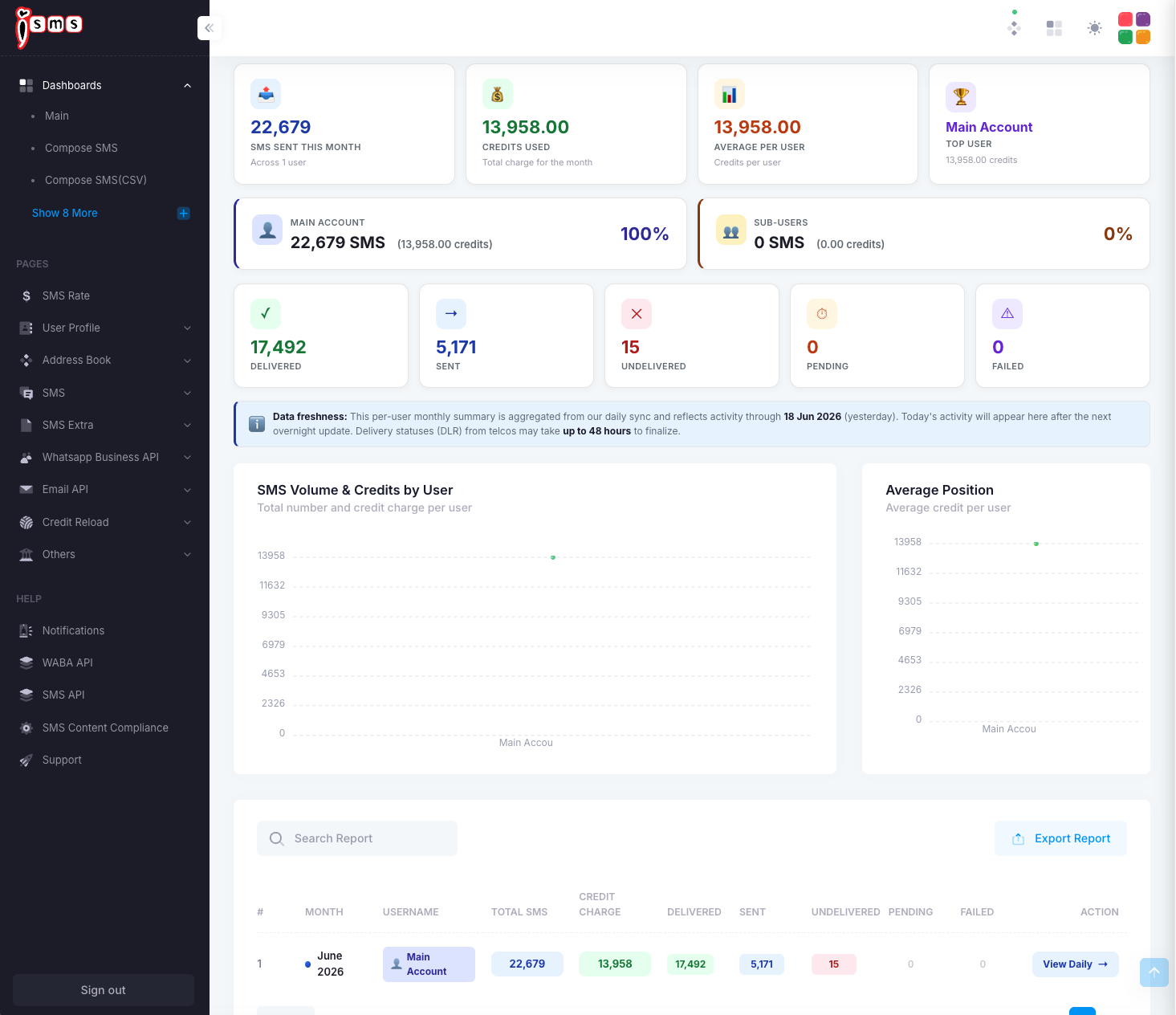
This view splits the month’s sending across your users. The cards show the main account’s share versus sub-users, with a per-user table underneath.
Main account
100%
Sub-users
0%
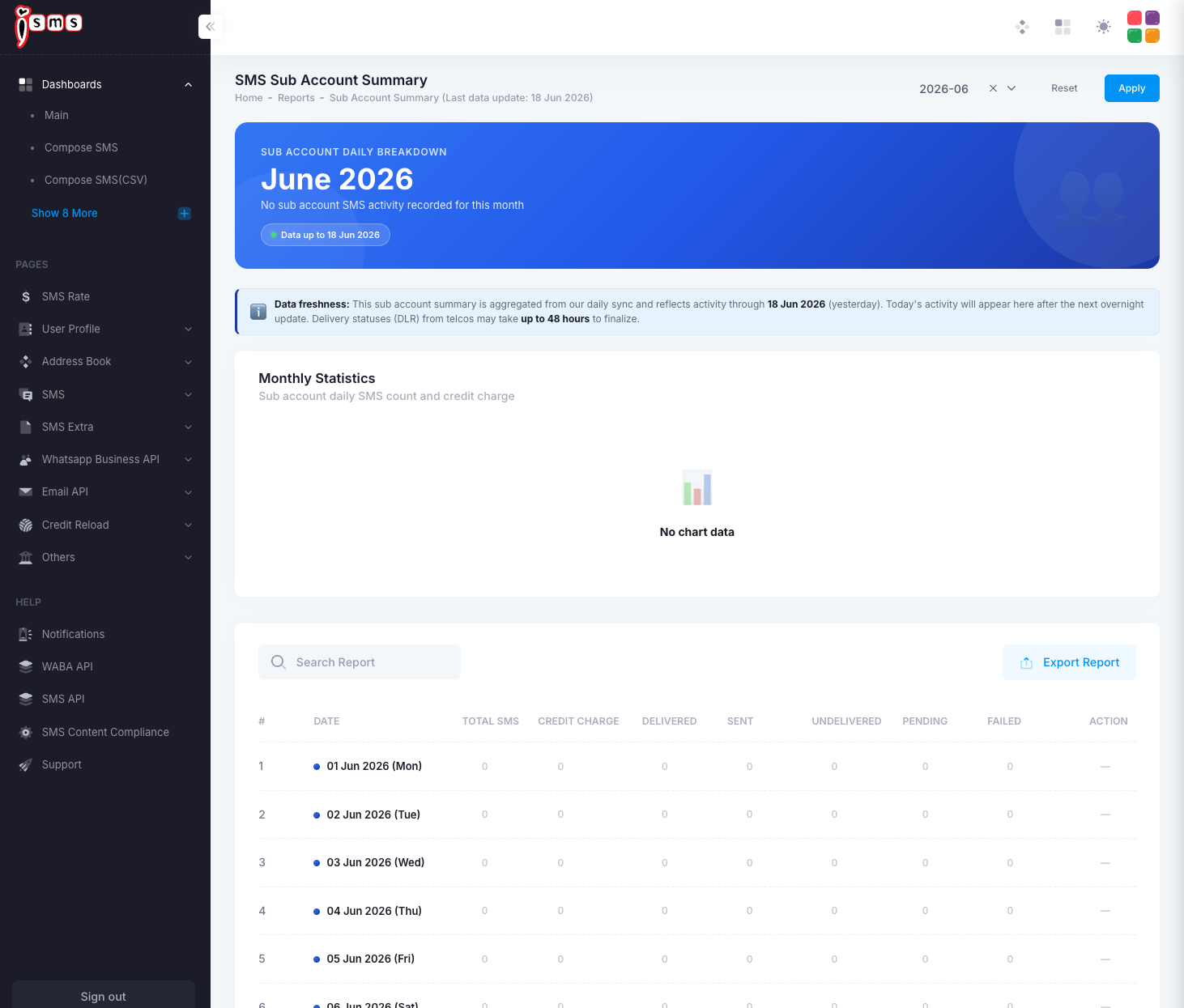
Sub-account summary
A dedicated view of sub-account activity, day by day. If you have no sub-accounts (or they haven’t sent anything), it simply shows no activity for the period.
What the columns mean
Every summary table (monthly, daily, and sub-account) uses the same columns:
- Total SMSAll messages submitted in that period.
- Credit ChargeCredits used for those messages.
- DeliveredConfirmed delivered to the telco SMSC.
- SentSubmitted to the carrier, awaiting a final delivery status.
- UndeliveredCould not be delivered (off, out of coverage, or invalid number).
- PendingQueued, not yet submitted to the carrier.
- FailedRejected at the carrier SMSC — not charged.
Reading delivery status: in Malaysia, status reflects acknowledgement by the telco SMSC, not confirmed delivery to the handset. For per-message statuses, see the SMS Delivery (DLR) Report.
Need help?
Our team is happy to assist with anything in this guide. Contact us →